 Katlendar
Guide
Accounts and integrations
Bring in calendars and task lists from Google, Microsoft, CalDAV servers, Nextcloud, Proton, Todoist and calendar links.
Katlendar works on its own, with calendars and lists kept on your computer. To see the calendars you already have elsewhere, connect them under Settings › Calendars.
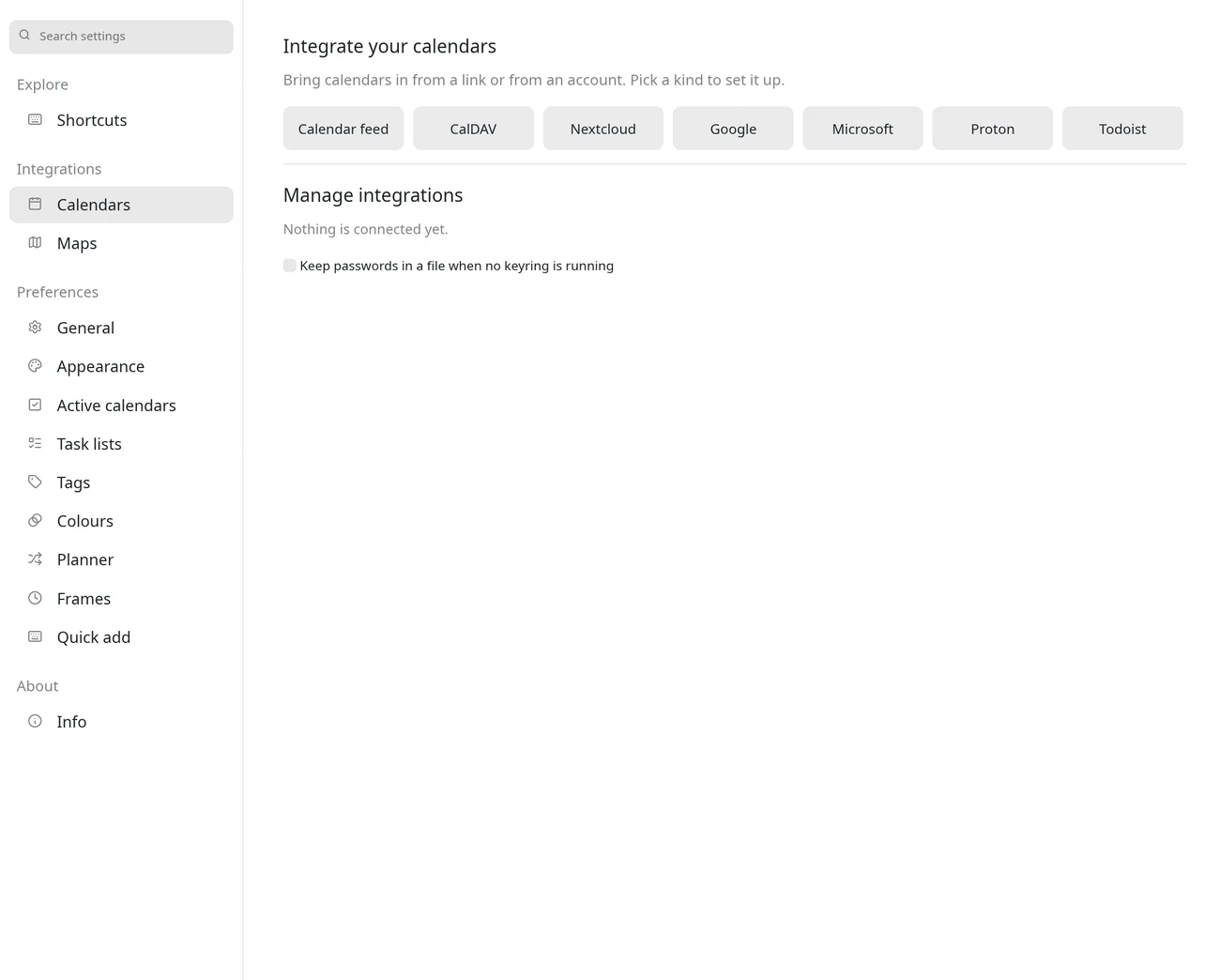
Under Integrate your calendars, pick a kind:
| Kind | Syncs | Guide |
|---|---|---|
| Calendar feed | Read-only | Subscriptions |
| CalDAV | Both ways | CalDAV and Nextcloud |
| Nextcloud | Both ways | CalDAV and Nextcloud |
| Both ways | Google Calendar | |
| Microsoft | Both ways | Microsoft 365 and Outlook |
| Proton | Both ways, with limits | Proton Calendar |
| Todoist | Tasks, both ways | Todoist |
"Both ways" means a change you make in Katlendar is sent to the account, and a change made elsewhere comes in.
Manage integrations#
Each connected account is listed under Manage integrations. For each of its calendars you choose:
- Show and sync this calendar: untick to leave it out entirely.
- Bring the tasks kept in this calendar in as a task list: for servers that keep tasks in calendars, such as Nextcloud.
Sync now fetches changes at once; R refreshes every account. Sign out and remove disconnects an account and forgets its sign-in.
Where sign-ins are kept#
Passwords, tokens and private links go into your desktop's keyring (GNOME Keyring, KWallet, macOS Keychain or Windows Credential Manager), never into Katlendar's files. See Privacy.