 Katlendar
Guide
Keyboard shortcuts
Every shortcut, and how to change them.
Press . to see this list in the app. Settings › Shortcuts shows it too, and lets you change any of them: click a shortcut, then press the new keys. Esc cancels; × clears a shortcut.
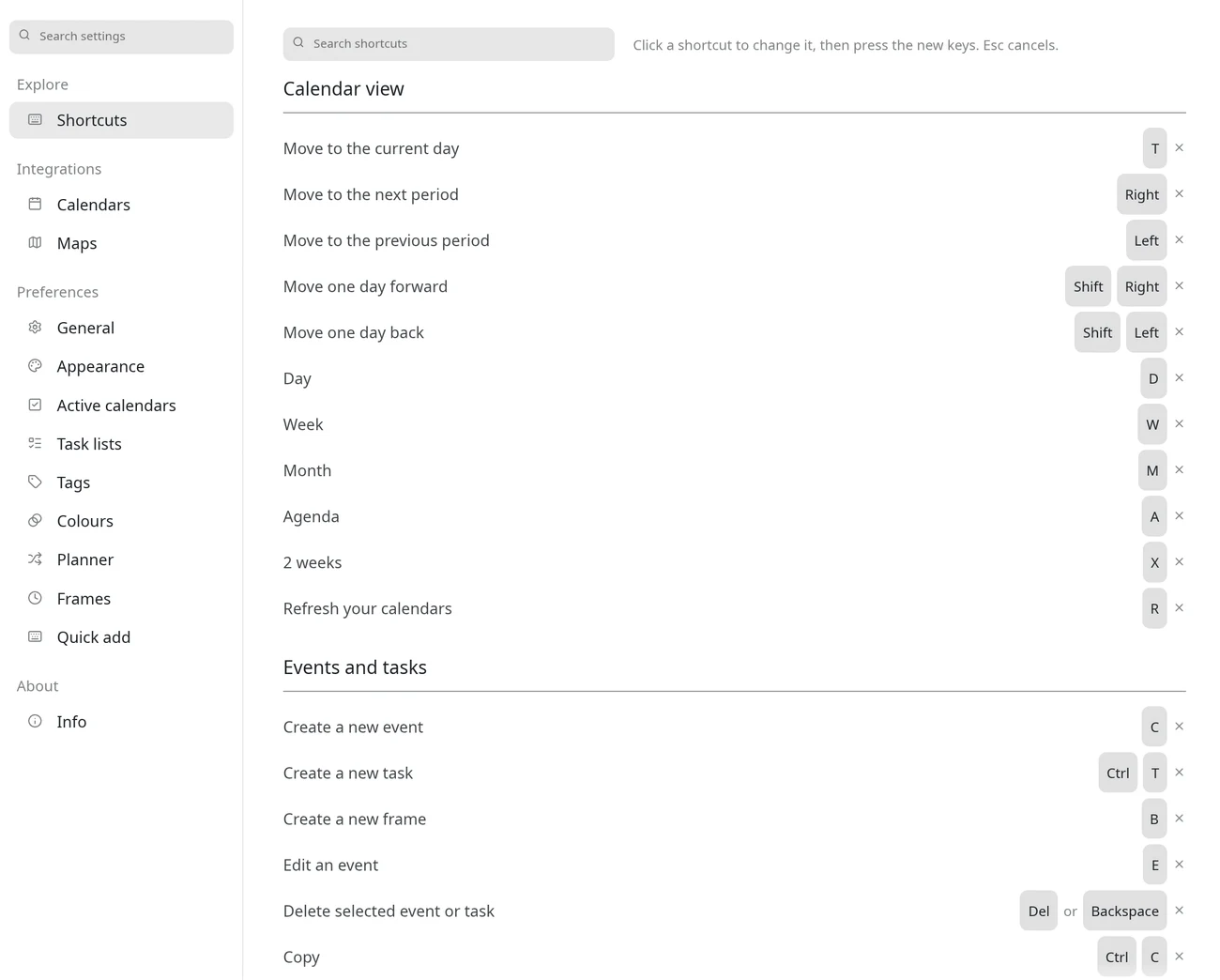
On a Mac, Ctrl below is Cmd.
Calendar view#
| Keys | Does |
|---|---|
| T | Go to today |
| Right / Left | Next / previous period |
| Shift+Right / Shift+Left | One day forward / back |
| D W X M A | Day, week, 2 weeks, month, agenda |
| R | Refresh calendars from their accounts |
Events and tasks#
| Keys | Does |
|---|---|
| C | New event |
| Ctrl+T | New task (quick add) |
| B | New frame |
| E | Edit the selected block |
| Del / Backspace | Delete the selected block |
| Ctrl+C | Copy the selected block; right-click and Paste here to paste |
| Shift+R | Move the selected task session to the next free working time |
| Shift+F | Book another session of the same length at the next free working time |
| Shift+S | End a session that is running now, and book the rest of its time later |
Plan my tasks has no key at first; give it one here if you use it often.
General#
| Keys | Does |
|---|---|
| Ctrl+Z | Undo |
| Ctrl+K | Command bar |
| Ctrl+F | Search |
| Ctrl+S | Show or hide the task panel |
| \ | Switch light and dark |
| ] / [ | Finer / coarser time grid |
| Ctrl+, | Settings |
| . | List of shortcuts |
| Ctrl+Q | Quit |