 Katlendar
Guide
Appearance
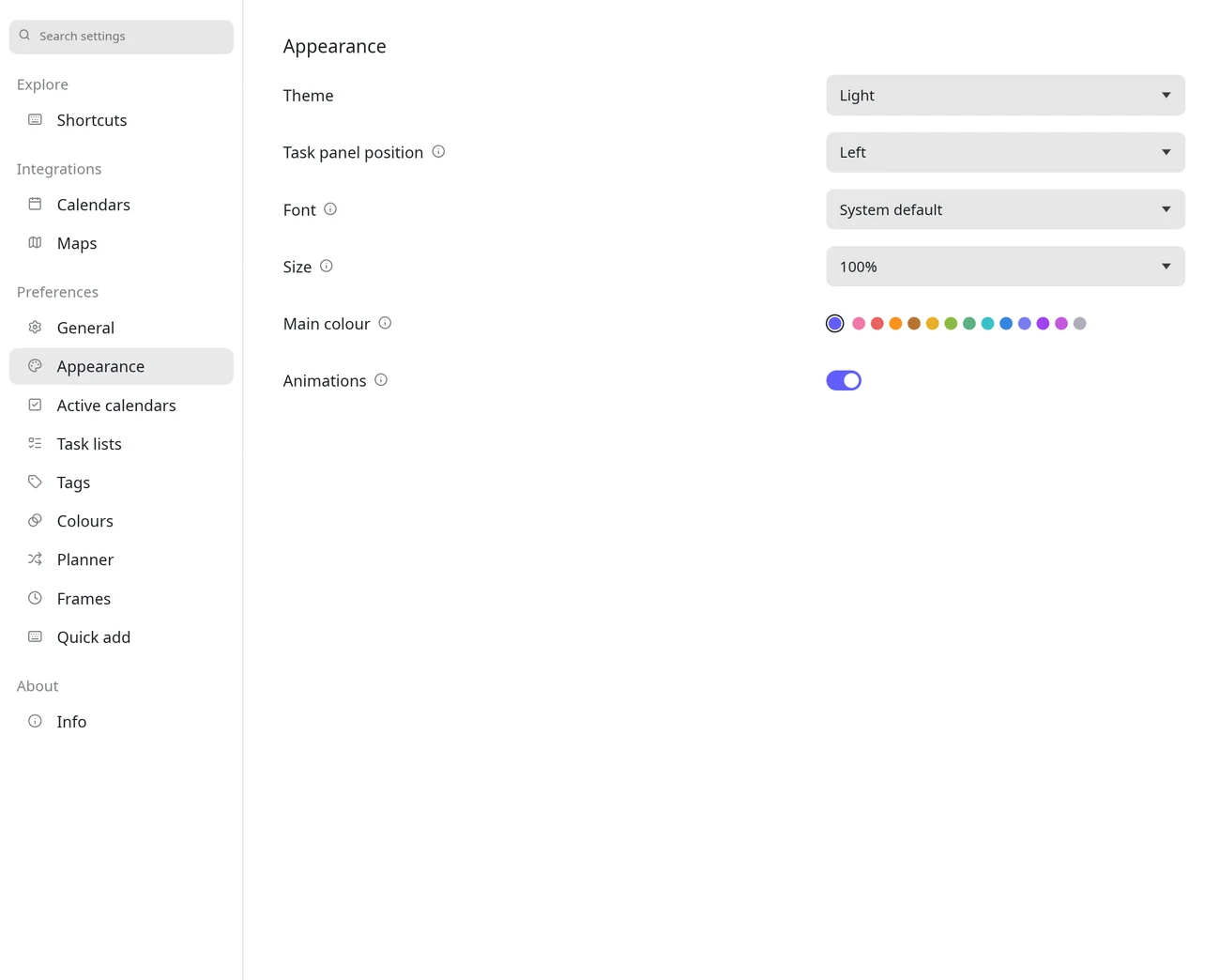
Theme, fonts, size, the main colour and animations.
Settings › Appearance changes how Katlendar looks. Nothing here changes your data.
Theme#
System follows your computer's light or dark mode. Light and Dark stay put. \ switches between them.
Task panel position#
Which side of the window the task panel sits on. Ctrl+S hides and shows it.
Font#
The font for all text. Emoji always use your system's emoji font.
Size#
How large text and everything else is drawn, from 80% to 200%. Turn it up on a high-resolution screen, or down to fit more.
Main colour#
The colour of buttons, switches and marks, and of a block that takes no other colour. Where blocks take their colours from is set under Colours.
Animations#
Sliding pages, gliding blocks, the zoom and fades. Off, everything changes at once.