 Katlendar
Guide
Privacy and your data
Where Katlendar keeps your calendars, tasks and passwords, and what it sends over the internet.
Katlendar has no account and no server of its own. Your calendars and tasks stay on your computer, and go only to the accounts you connect.
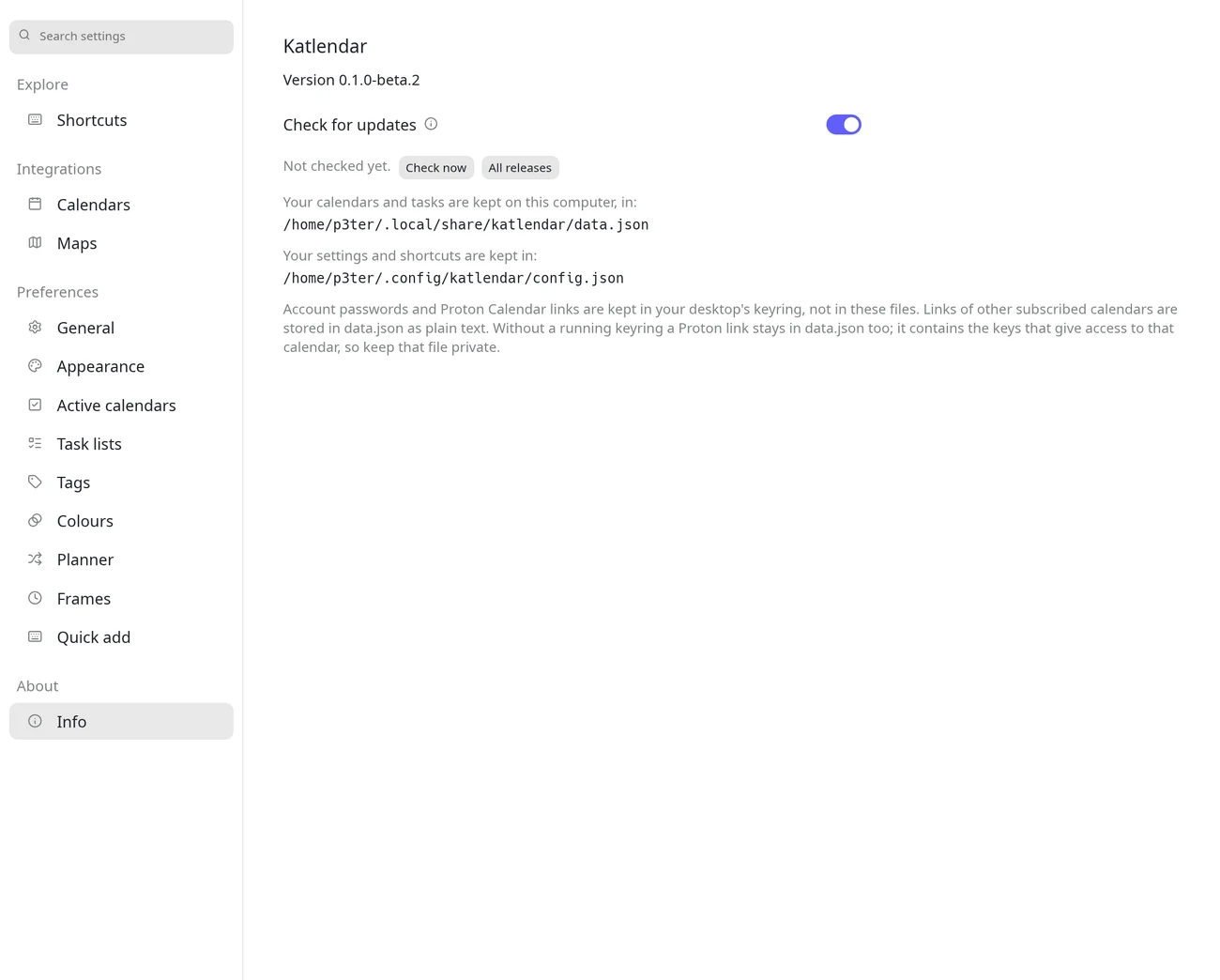
Where your data is kept#
Settings › Info shows the exact folders.
| What | File | Usually |
|---|---|---|
| Calendars and tasks | data.json | Linux: ~/.local/share/katlendar/ · Windows: %APPDATA%\katlendar\ · macOS: ~/Library/Application Support/katlendar/ |
| Settings and shortcuts | config.json | Linux: ~/.config/katlendar/ · Windows and macOS: beside data.json |
| Passwords, tokens, private links | Your desktop's keyring | GNOME Keyring, KWallet, macOS Keychain, Windows Credential Manager |
Links of subscribed calendars other than Proton's are kept in data.json as plain text.
To back up, copy the two files. To move to another computer, copy them over and sign in to your accounts again.
.home after it, beside it: katlendar.exe.home beside katlendar.exe. Katlendar then keeps everything in that folder instead.data.json too, and it holds the keys to that calendar, so keep the file private.What is sent, and where#
- Your accounts. Events and tasks go between your computer and the accounts you connected, and nowhere else.
- Place search. What you type in a Location field, and the area the map shows, go to the search service you chose. See Places.
- Updates. See below.
Nothing else: no usage statistics, no crash reports.
Check for updates#
When on, Katlendar asks on start and twice a day whether a newer version is out. It fetches only the list of releases, from katlendar.date (or GitHub when that can't be reached); nothing about you or your calendars is sent. When there is one, a note offers to open the download page.
Turn it off under Settings › Info.