 Katlendar
Guide
Places and maps
Give events and tasks a place, see it on a map, and open directions.
Type in an event's or task's Location field and Katlendar suggests places as you type. Pick one and a small map shows under it. The button beside the place opens it, and directions to it, in your map app.
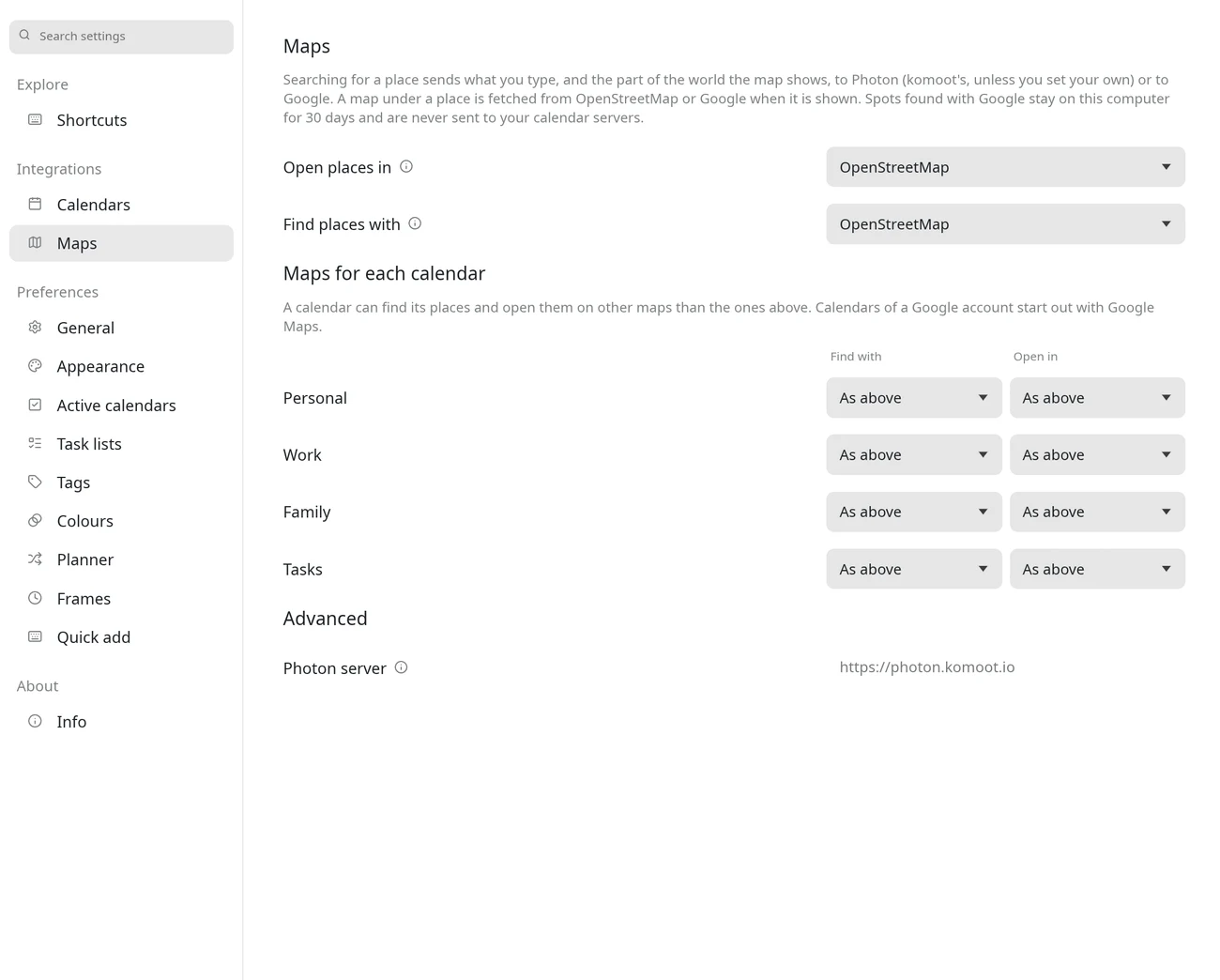
Open places in#
The map that the button beside a place opens it on: Google Maps, Apple Maps, OpenStreetMap or your system's map app. Directions open there too.
Find places with#
Where places are looked up and where the map under a place comes from:
- OpenStreetMap: free, no account needed. Searches go to a Photon server.
- Google Maps: needs a Google API key of your own.
Maps for each calendar lets a calendar use other maps than these. Calendars of a Google account start out with Google Maps.
Photon server#
Places from OpenStreetMap are looked up on a Photon server. Leave it empty for komoot's public one, or give the address of your own.
Google API key#
Shown when Google Maps finds your places. Make a key in the Google Cloud console with the Places API (New), Geocoding API and Map Tiles API turned on. The key is kept in your keyring, and Google bills its use to that project.